
Time Tracking
Start the timer. Everything else follows.
One-click tracking from the desktop bar, browser or mobile — assigned to a project and task, so billing and reporting are already done when the week ends.
Time Tracking
Track time from anywhere you work
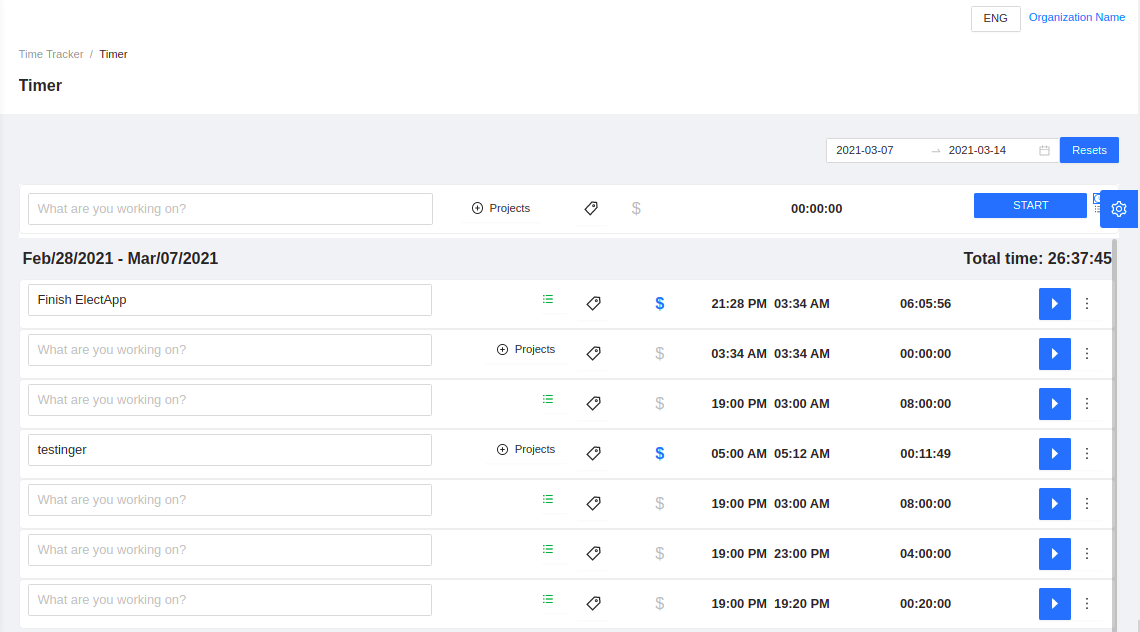
The same timer bar you use in Yantra — project pickers, task assignment, and live elapsed time — built right into Clockbook. Start tracking in one click, no context switching.
Press play to start tracking
One-click time tracking
Start, pause, and stop timers from anywhere — desktop bar, browser, or mobile.
Projects & tasks
Assign every entry to a project and task for accurate billing and reporting.
Activity screenshots
Optional periodic screenshots for transparency and client accountability.
Desktop bar, browser, and timesheets — all in sync
Whether you launch the timer from the Yantra desktop bar or inside Clockbook, every second flows into your timesheets, reports, and invoices automatically.
- Project & task pickers on every timer
- Pause, resume, and stop with one click
- Billable tags and activity screenshots
- Synced across desktop bar and web app
Live examples
Recording activity & periodic screenshots
Press play to start tracking
The timer itself
Six more screens from the timer.
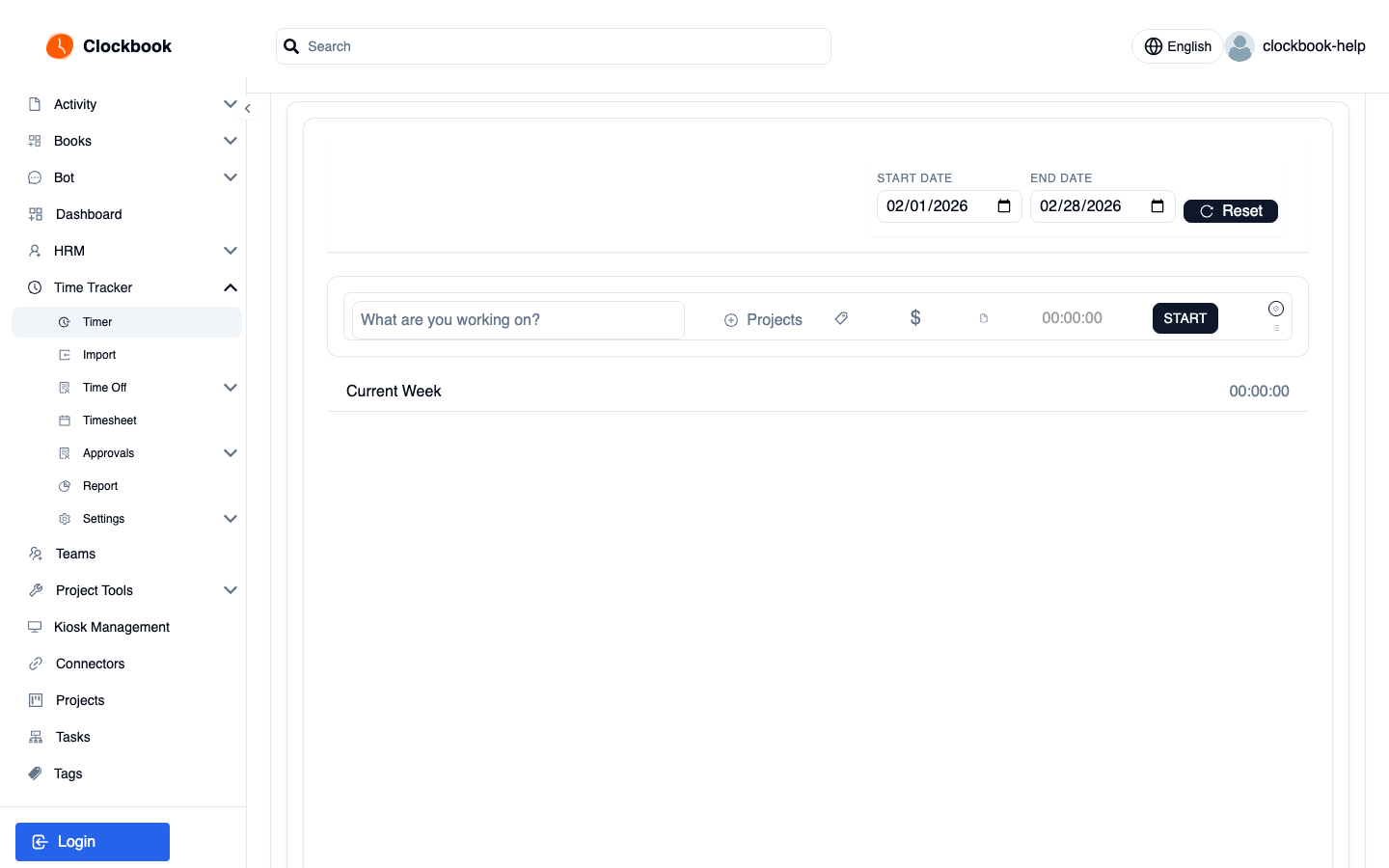
Specimen / time tracker
A tracked week, ready to invoice.
A week of tracked work, already split by client and rate so the invoice writes itself on Friday.
Demo
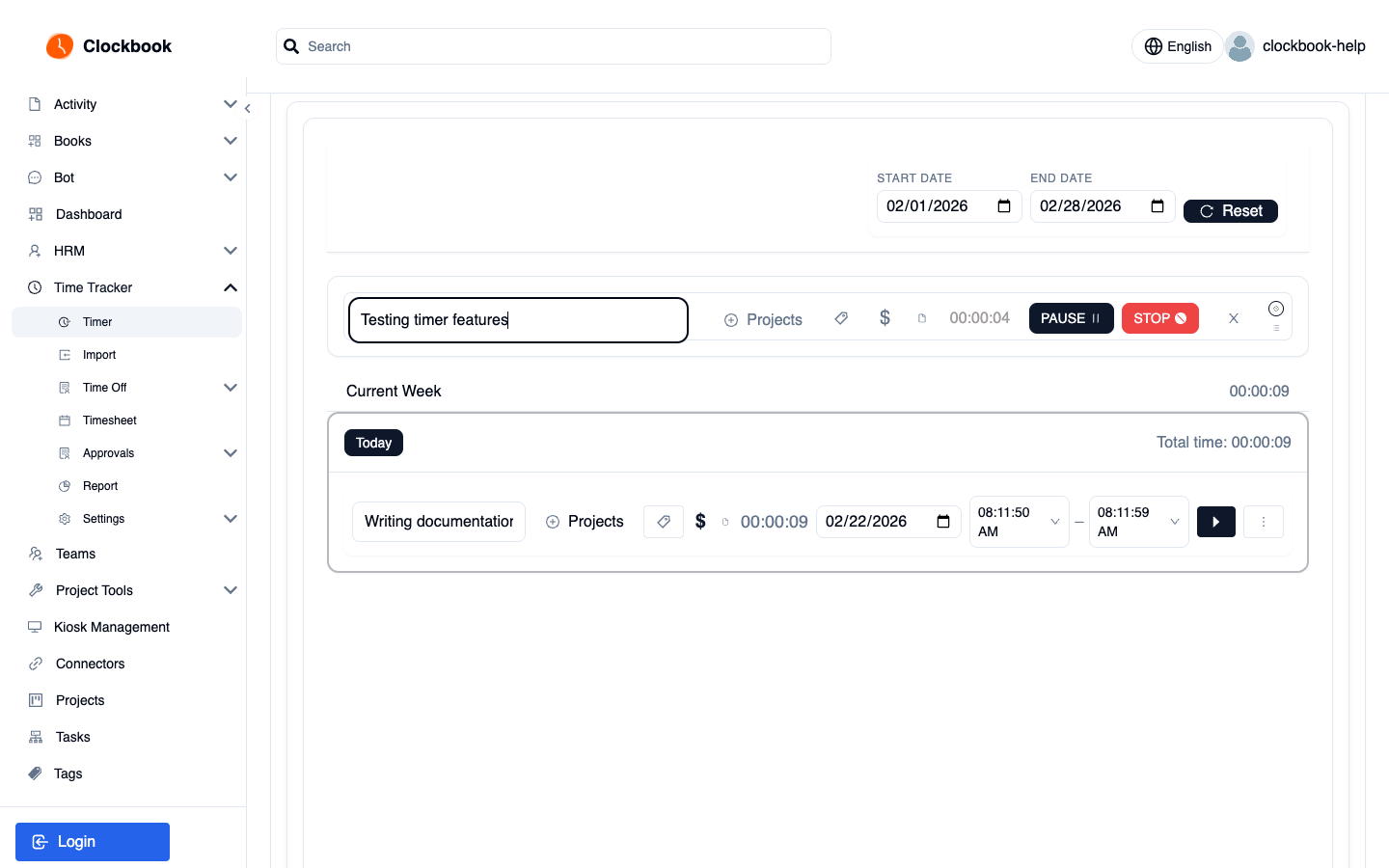
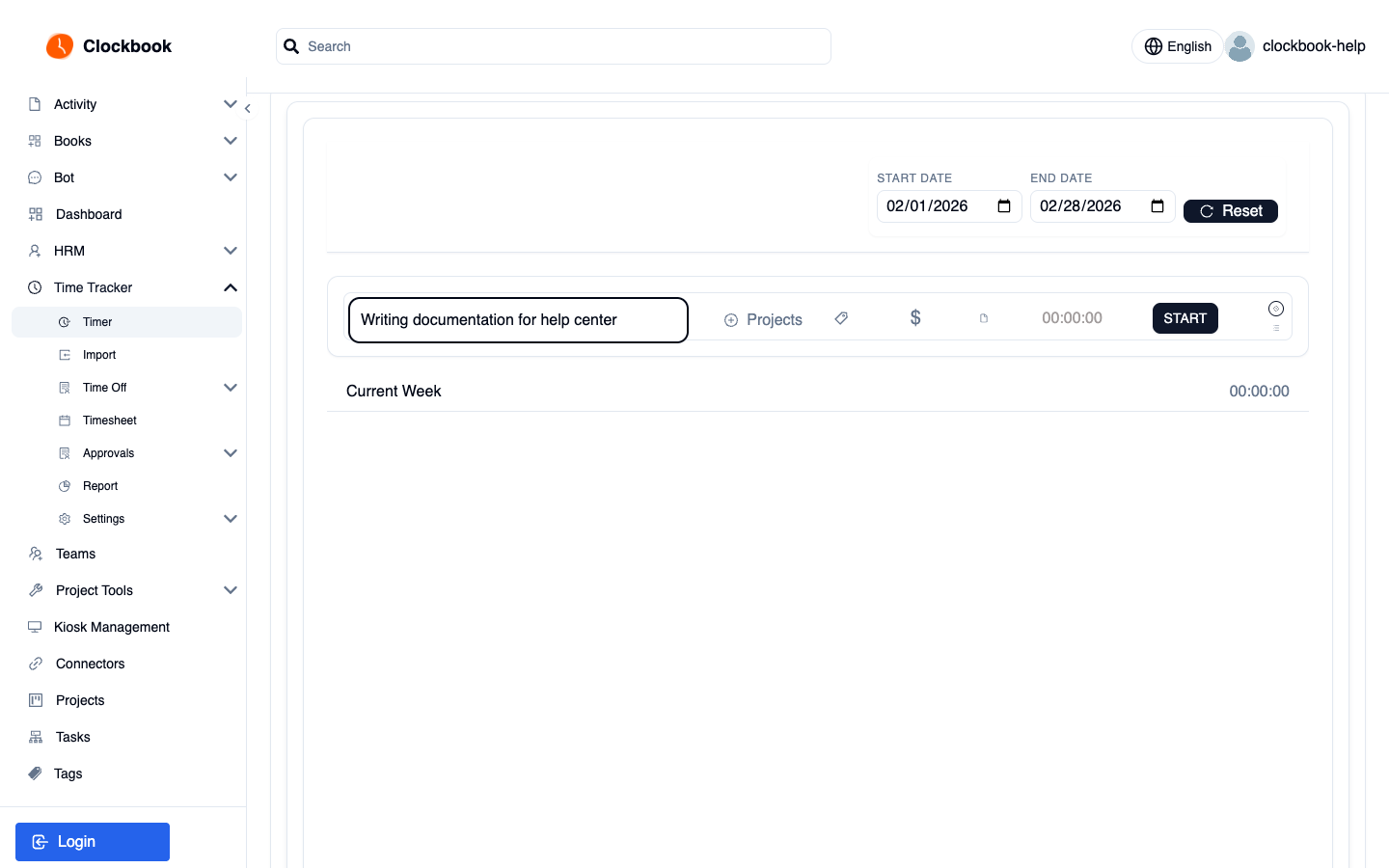
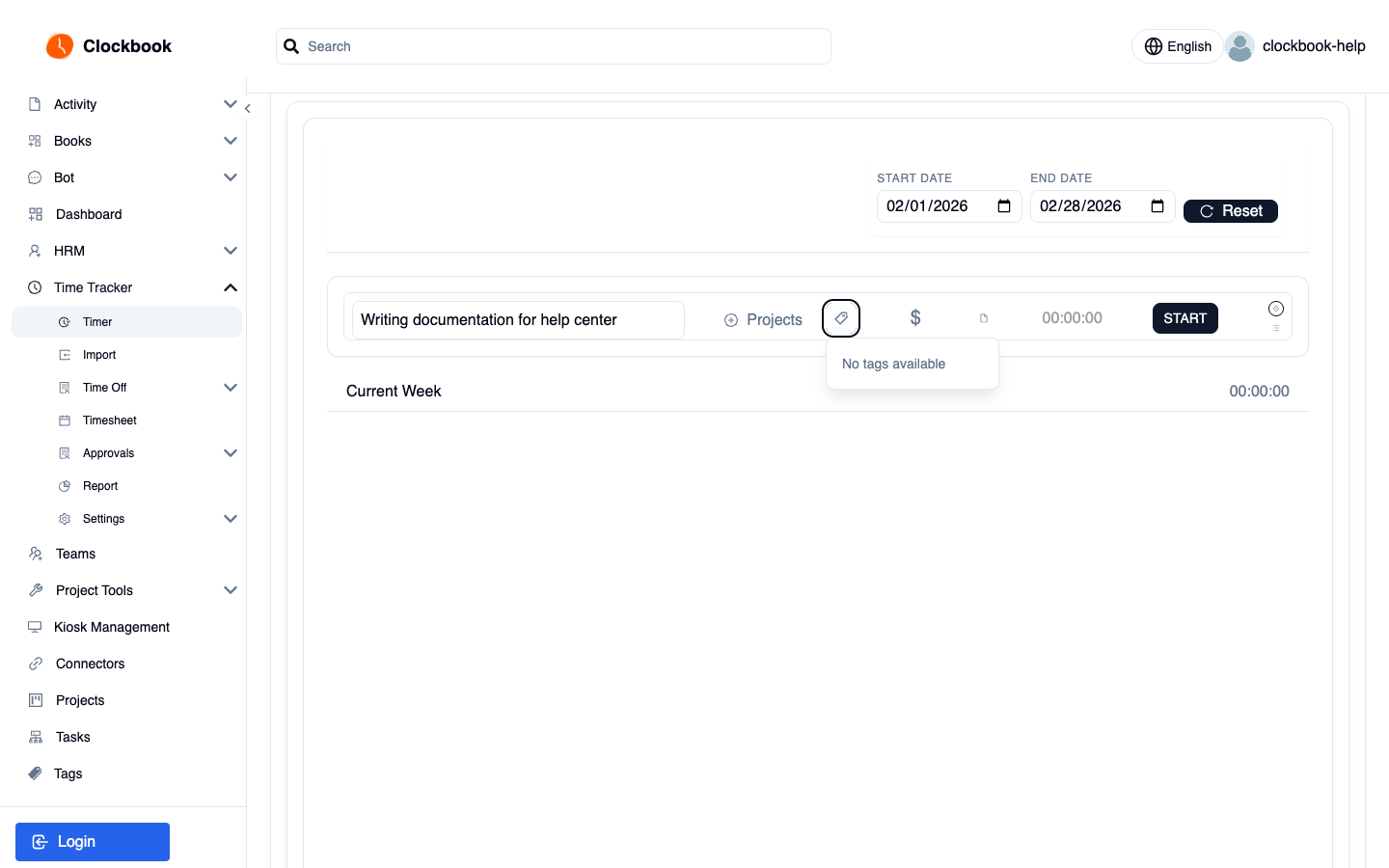
See Time Tracker working.
A tour of tracking in the product — screen by screen.
Automations
From tracked hours to money in the bank.
Engineering Weekly Review
Friday wrap-up connecting shipped PRs, issue movement, and tracked hours into one honest weekly review.
Timesheet To Invoice
Month-end without the chase: collect timesheets, nudge stragglers, run approvals, and produce client-ready invoices.